Scan printed sheet music
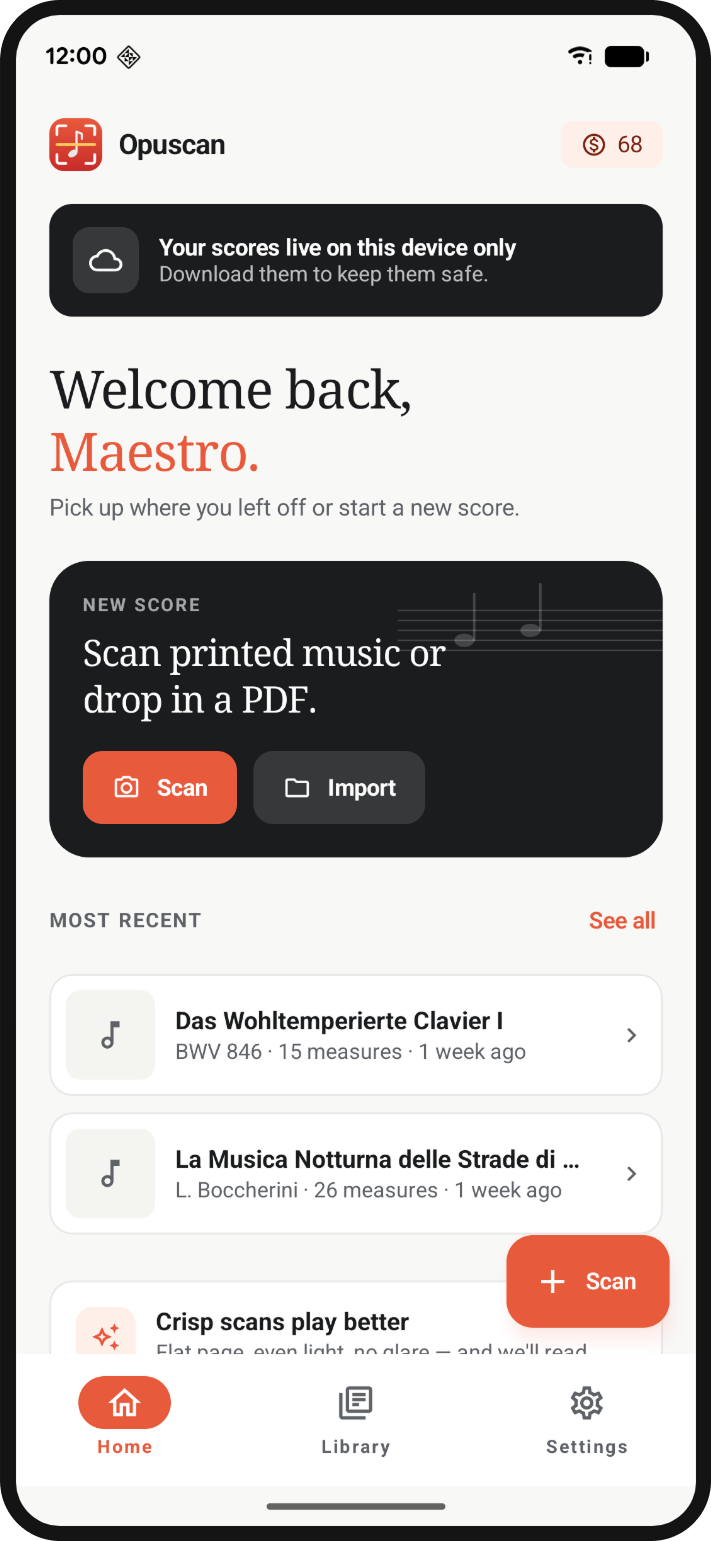
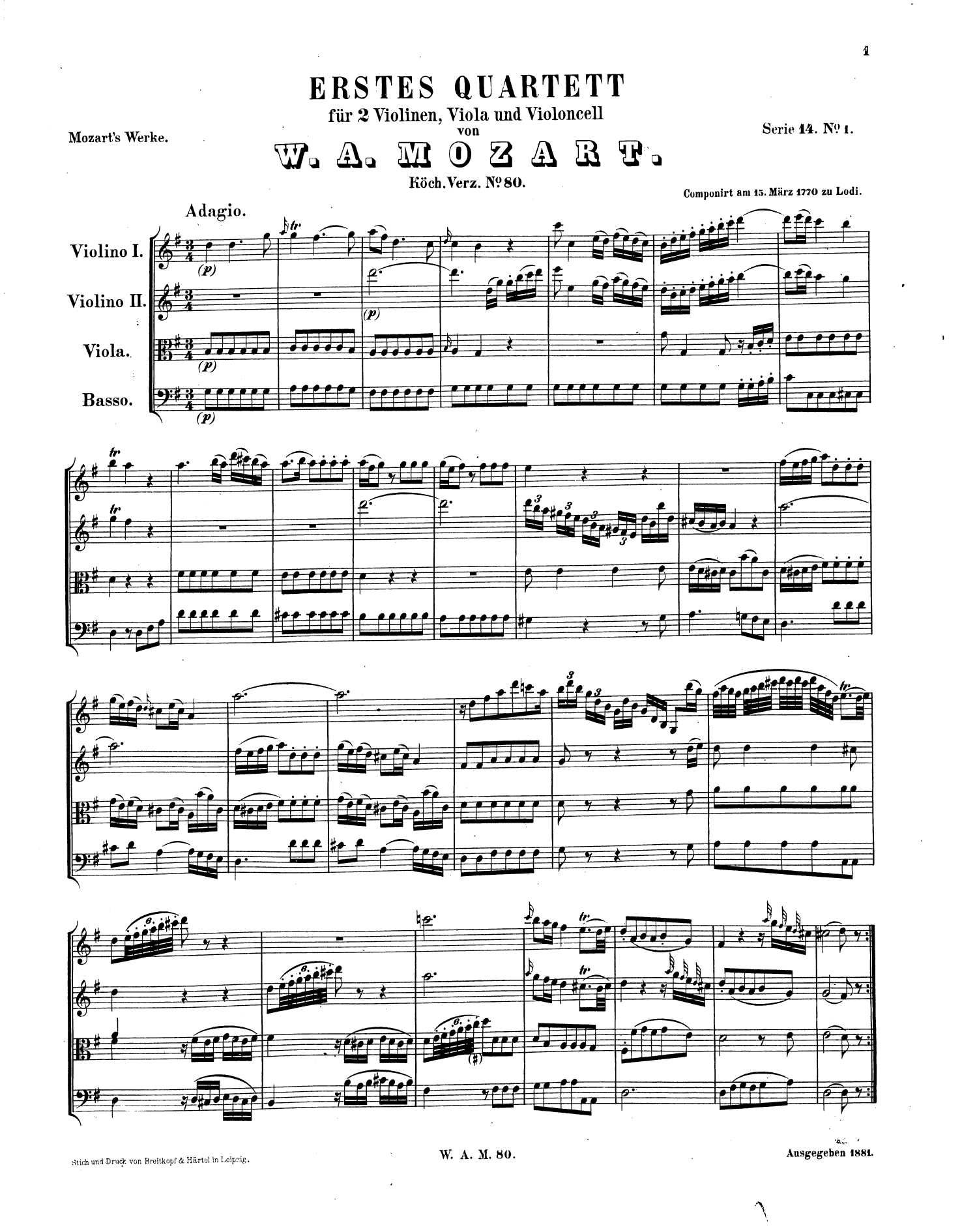
Point your camera at any printed score or import a PDF.
Scan a printed score with your phone or import a PDF. Opuscan lets you play it back, transpose it and export it to MusicXML, MIDI, PDF or MP3, with no subscription required.
 One credit per page · Credits do not expire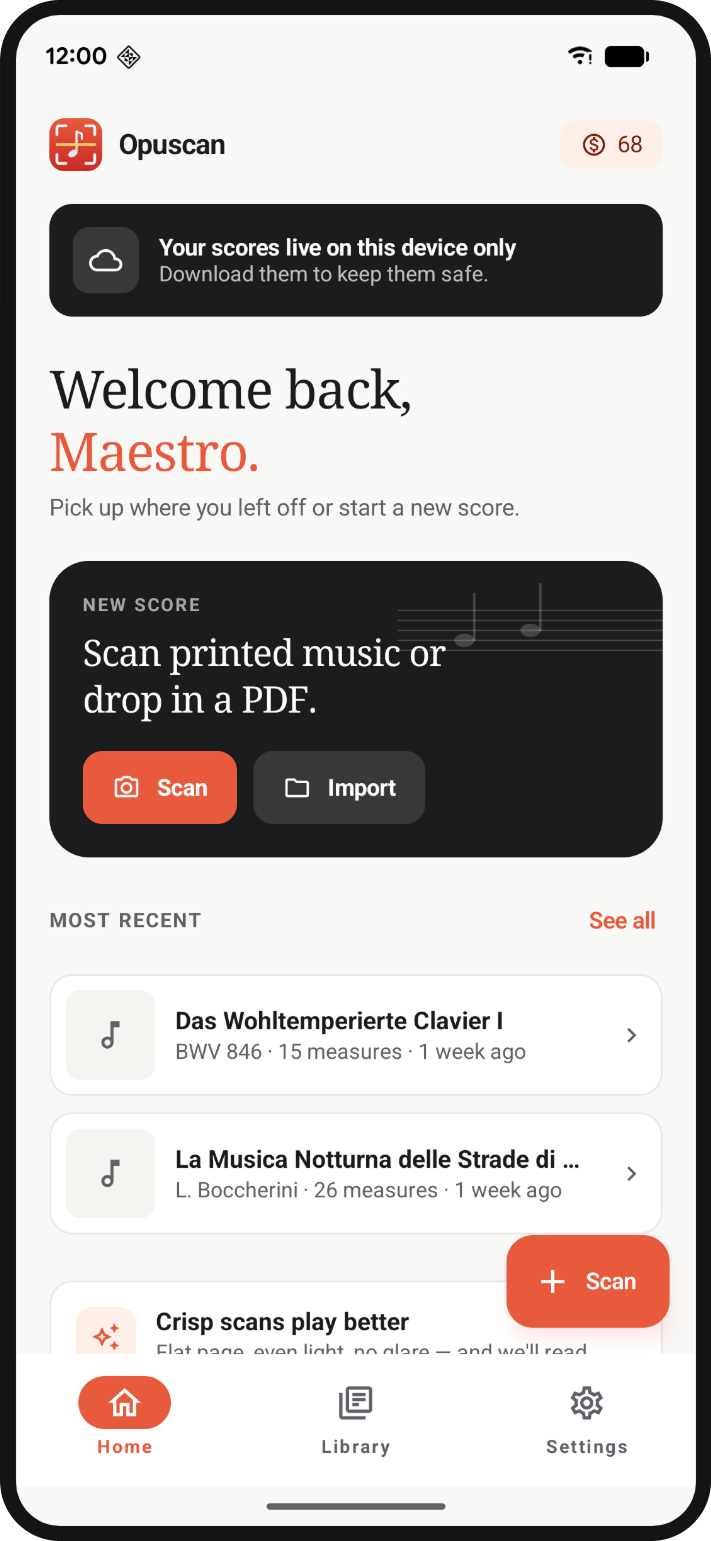
Point your camera at any printed score or import a PDF.
Play any scanned score with tempo control and a click track for practice.
Fit a score to your voice or instrument without rewriting a single bar.
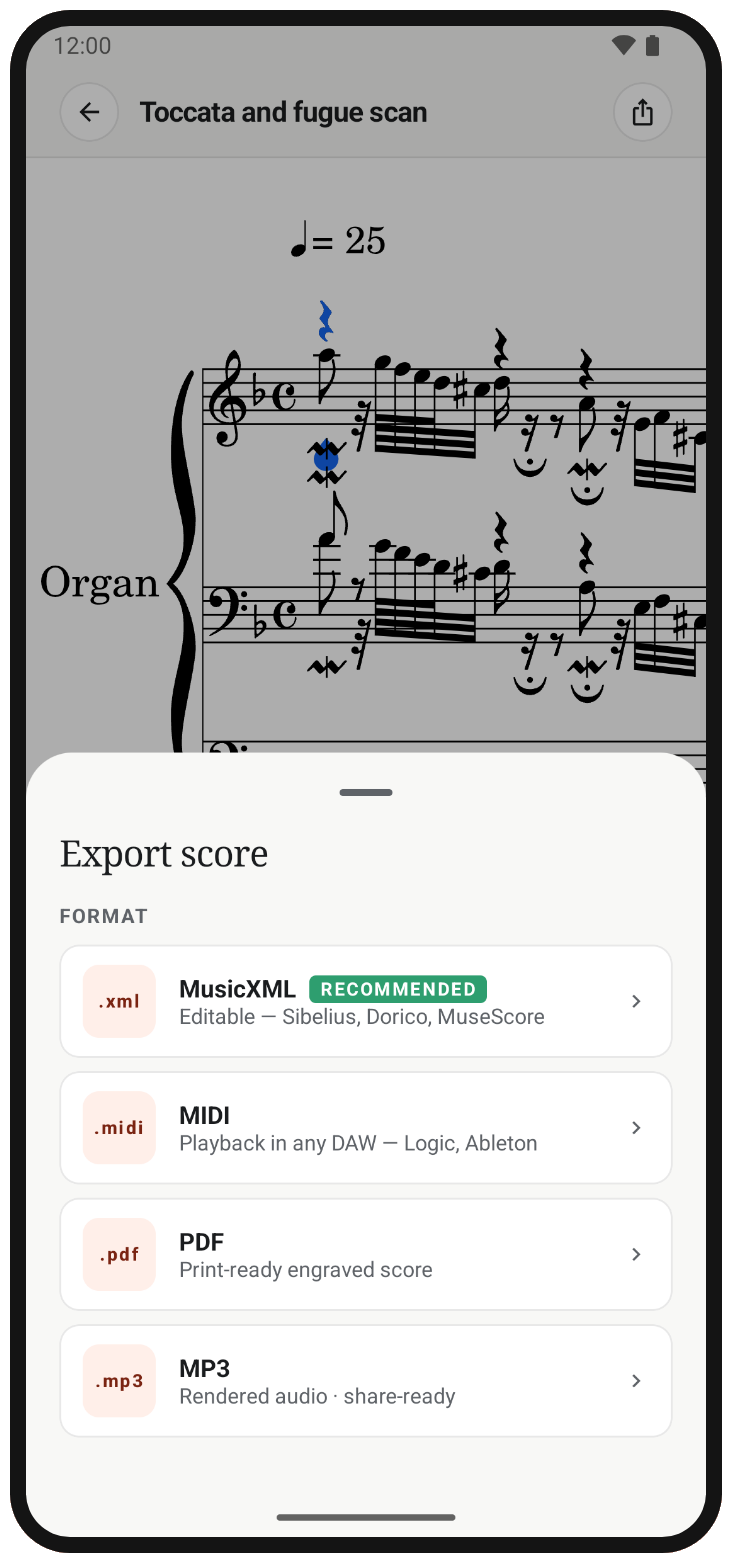
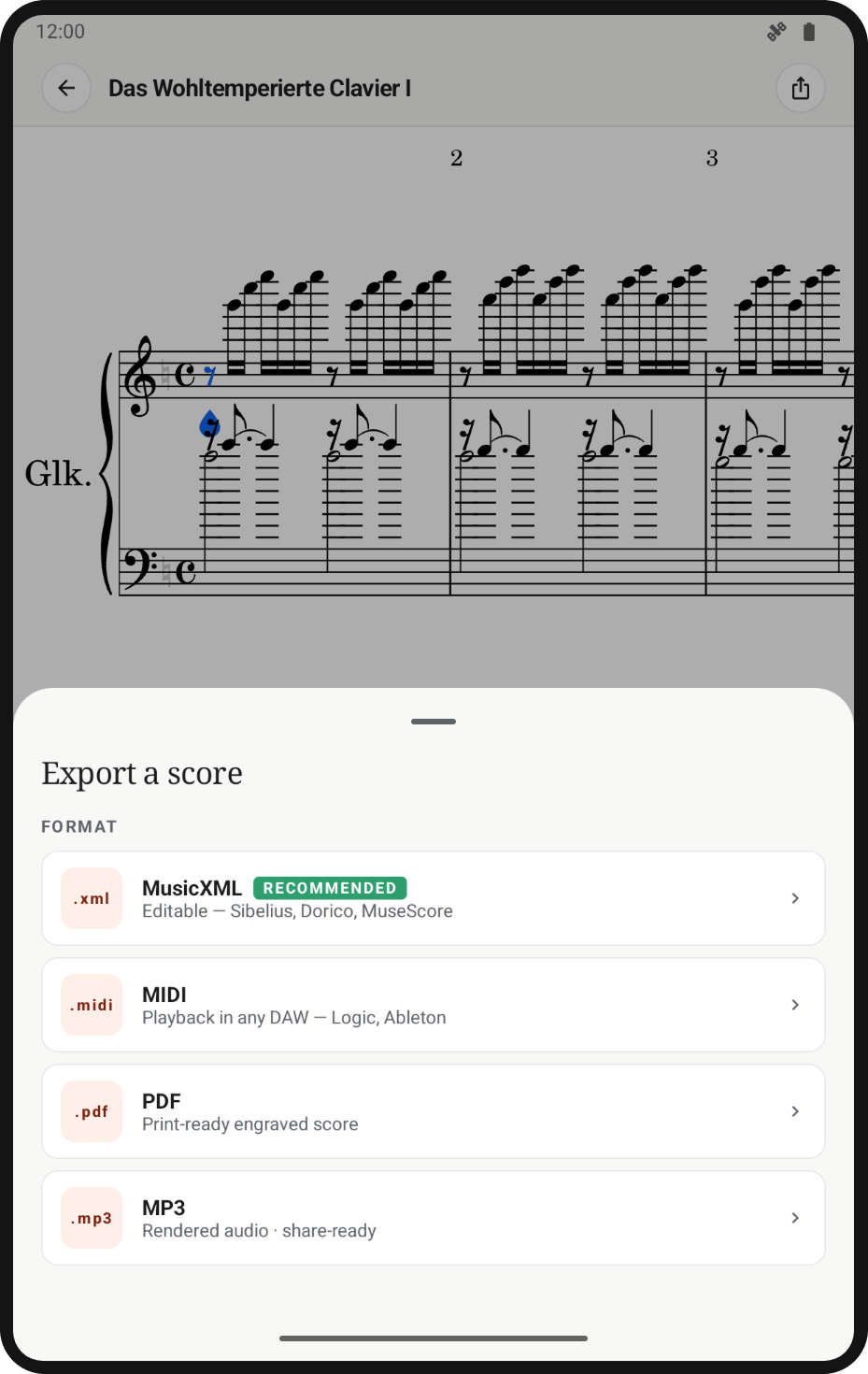
Save as MusicXML, MIDI, PDF or MP3, ready to import into notation software or a DAW.
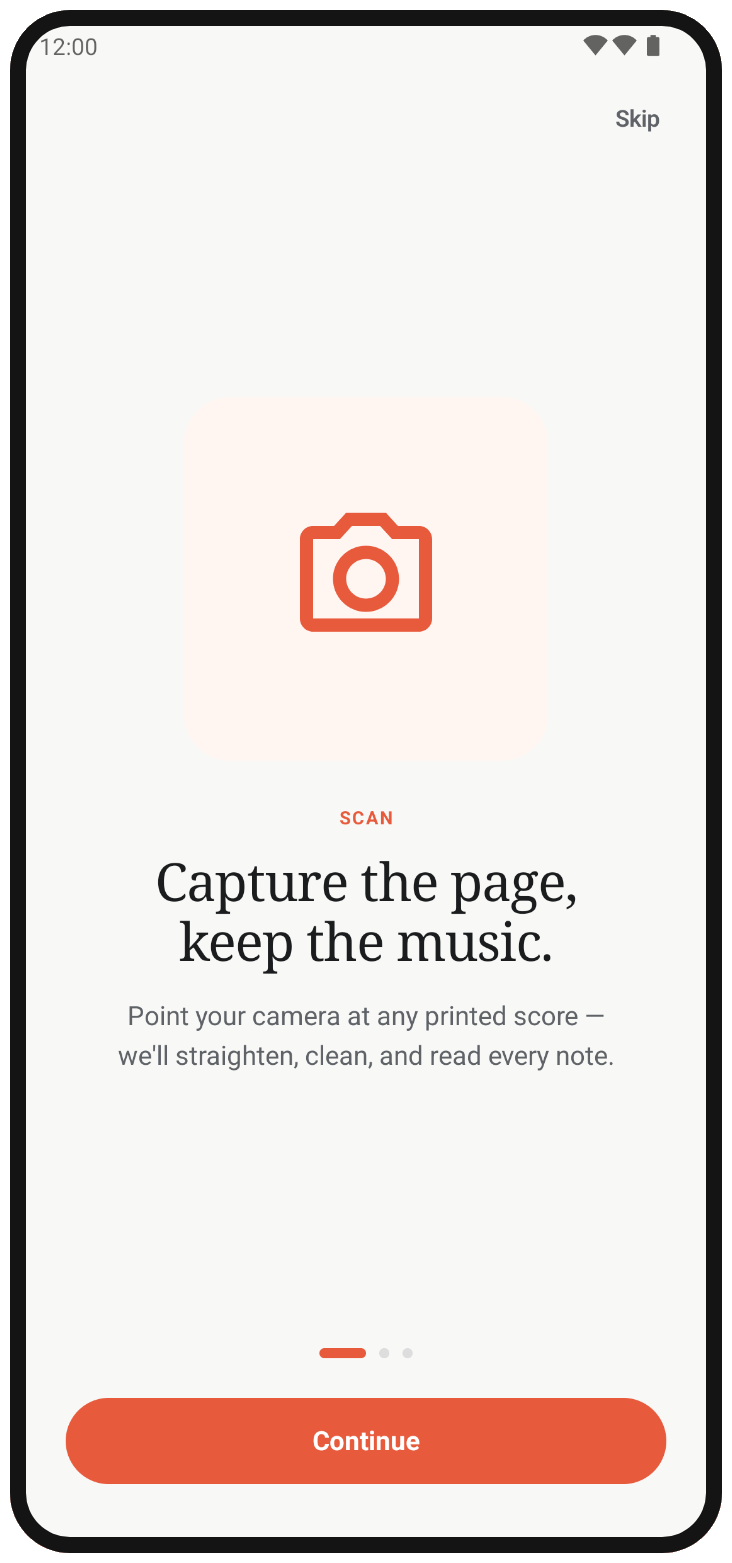
Take a photo of the page or pick a PDF.
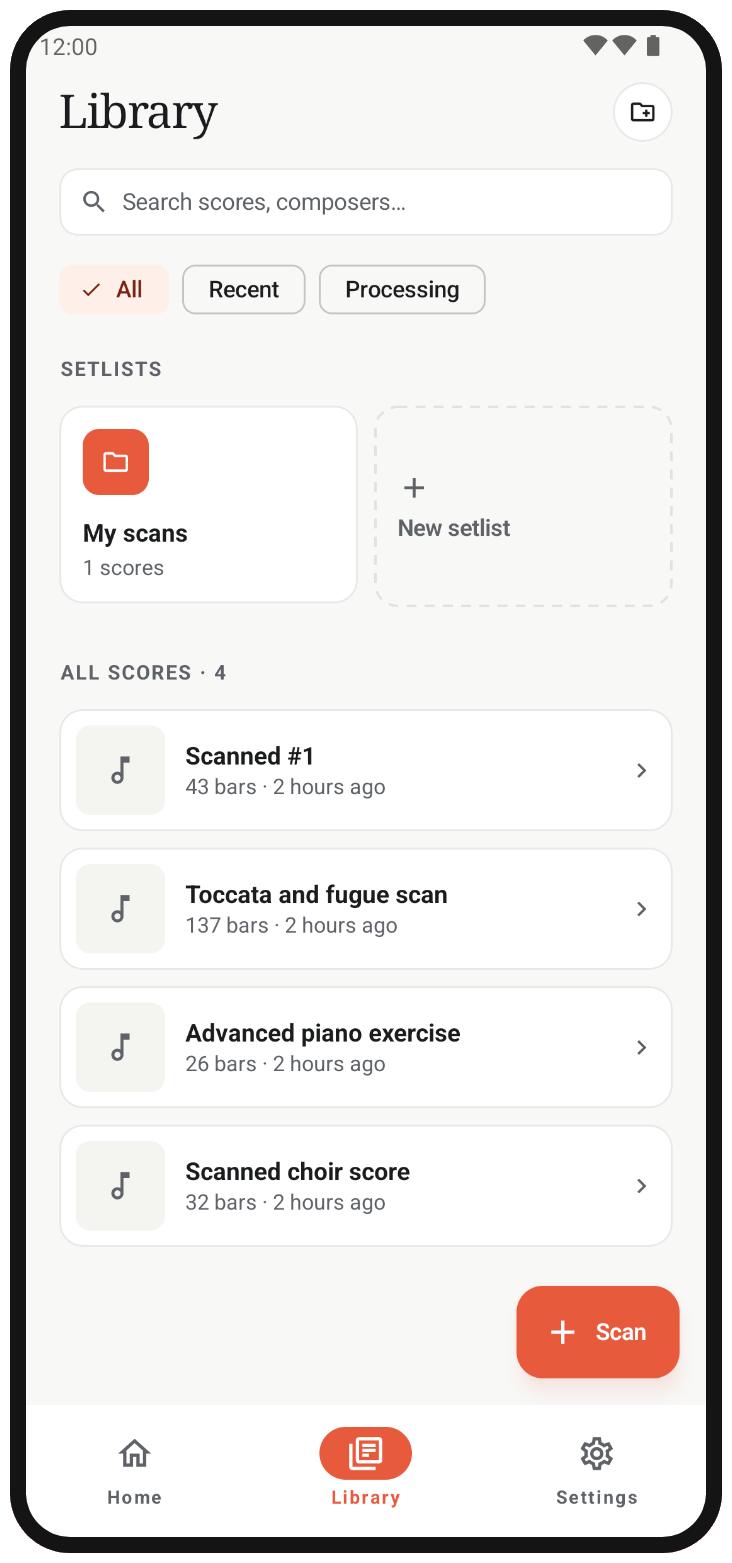
The app interprets the staves, notes, key and tempo.
Your score is ready to use.
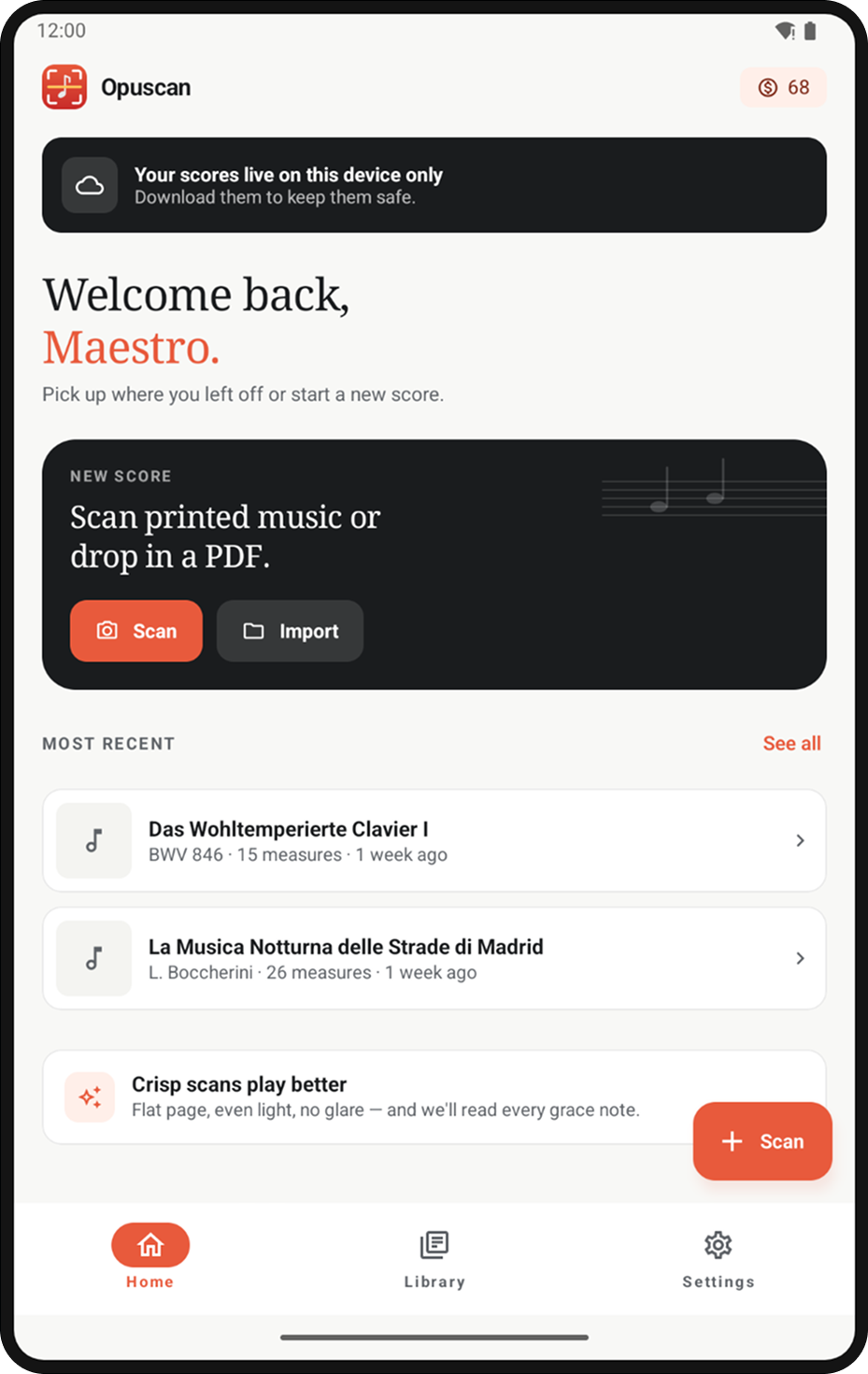
Whether you're at the rehearsal stand or at home, Opuscan is built for both Android phones and tablets.
One-time credit packs. One credit per page. Credits don't expire.
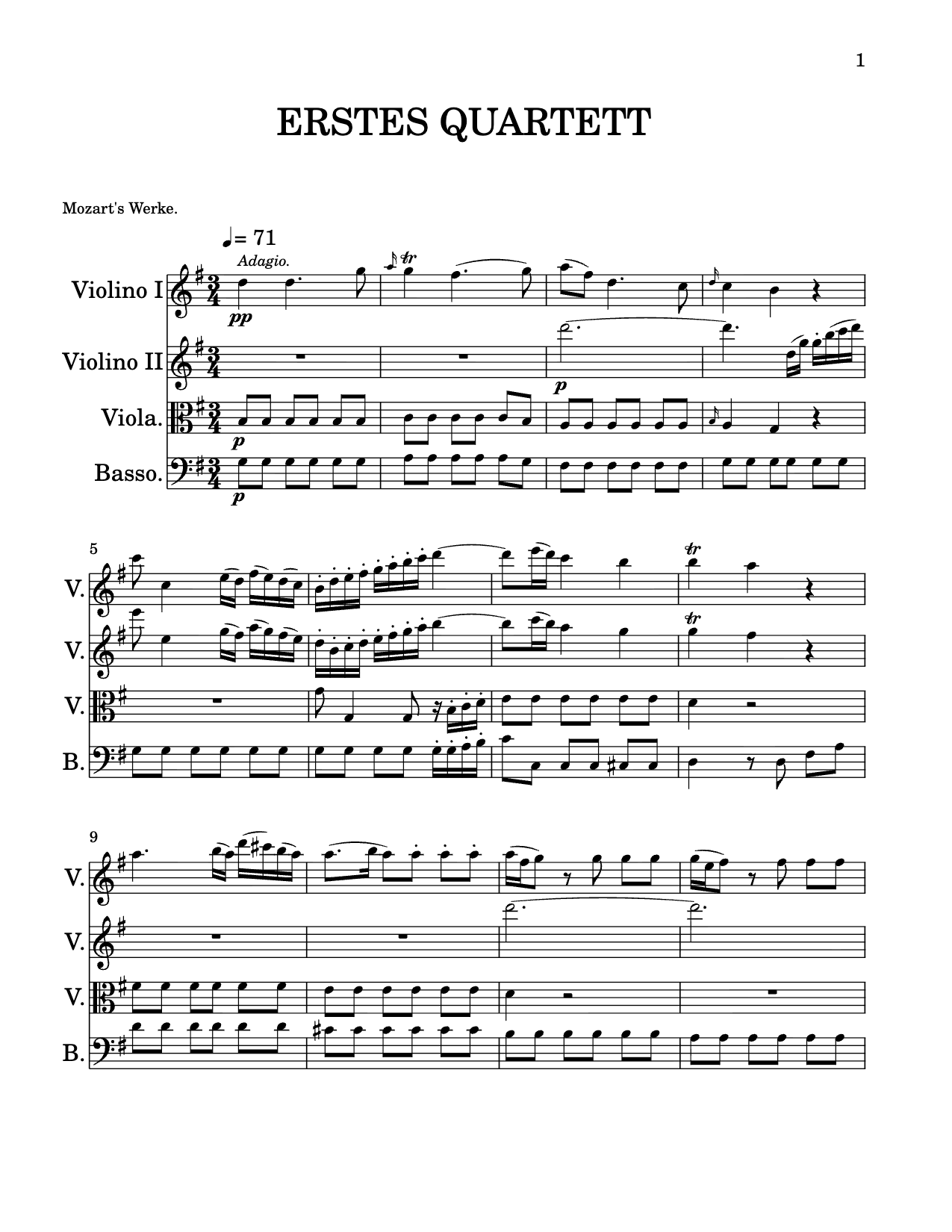 .musicxml
Opuscan keeps the musical meaning: clefs, complex rhythms, chords, lyrics, dynamics and multi-staff layout all carry through, not just the dots.

Flat is the modern music notation platform trusted by composers, educators and millions of musicians worldwide. Opuscan is built on the same technology and attention to detail that powers Flat.
Open Opuscan, tap Scan, and point your phone camera at a printed page. The app detects the page edges automatically. Confirm the capture, and Opuscan reads the notation, finding the staves, notes, key, and tempo. The score is ready to play in minutes.
Yes. Tap Import, choose a PDF from your device, and pick exactly which pages you want to scan. You only spend credits on the pages you process, not the whole document.
Opuscan uses one-time credit packs, with no subscription. One credit scans one page, and credits never expire. Packs start at €9.99 for 30 pages.
MusicXML, MIDI, PDF, or MP3. Export a MusicXML file to open your score in notation software like Flat, MuseScore, Dorico, or Sibelius. Export MIDI to import into a DAW. PDF is print-ready, and MP3 is a rendered audio file you can share.
Notes the engine wasn't sure about are highlighted in pink after the scan. Tap any flagged note to correct the pitch. For deeper edits, export the score as MusicXML and open it in your notation software.
Yes. Opuscan is available on the App Store for both iPhone and iPad.