
Get a PDF into MuseScore, fully editable.
MuseScore can't edit a PDF on its own. Convert it with Opuscan first, export MusicXML, and open a clean, editable score in MuseScore.
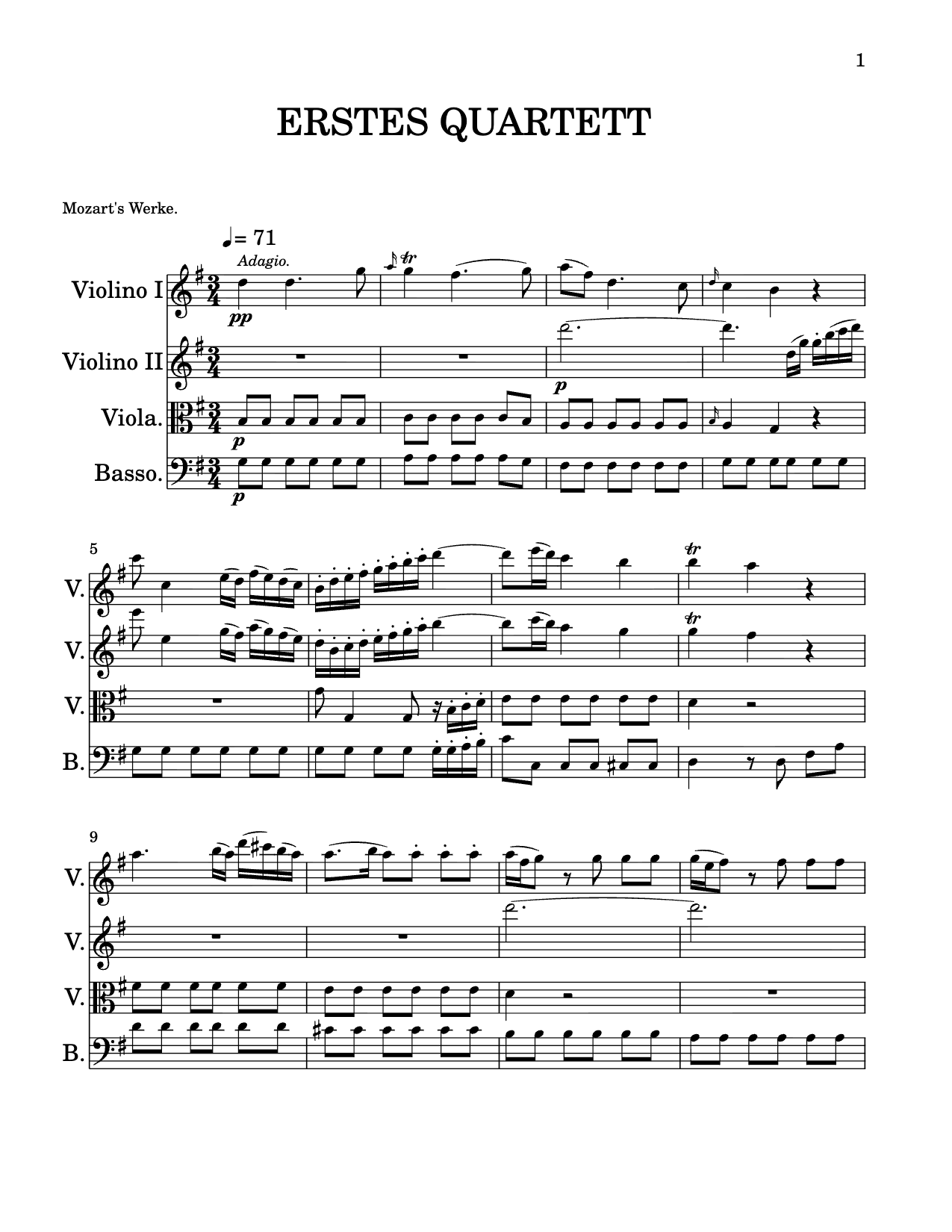 .musicxml
From PDF to MuseScore.
- Convert with OpuscanImport a PDF or photo; the AI rebuilds it as a score.
- Export MusicXMLDownload the standard MusicXML file.
- Open in MuseScoreFile → Open, pick the file. It's ready to edit.
Every conversion is powered by Opuscan's OMR optical music recognition (OMR).
One export, every editor.
MusicXML is the universal exchange format. The same file opens wherever you work.
 MuseScoreMusicXML
 DoricoMusicXML
 SibeliusMusicXML
 GarageBandMIDI
Importing into MuseScore, answered.
Can MuseScore open a PDF of sheet music?
Not directly as editable notation. Convert the PDF with Opuscan first, export MusicXML, and open that in MuseScore. Everything stays editable.
Can you scan sheet music into MuseScore?
MuseScore has no scanner of its own. Scan or photograph the page with Opuscan, export MusicXML, and open that in MuseScore - the result is editable notation, not an image.
How do I import the file into MuseScore?
In MuseScore, choose File → Open and select the MusicXML file Opuscan exported. The score opens ready to edit.
Does it work with Dorico and Sibelius too?
Yes. MusicXML is a universal format, so the same export opens in Dorico, Sibelius, Flat, and other notation software.