Convert a PDF of sheet music into an editable score.
Drop in a PDF, and Opuscan's AI reads every staff and note on the page, rebuilding it as structured MusicXML. Every note, rhythm, lyric, and dynamic is editable, not a flat image.
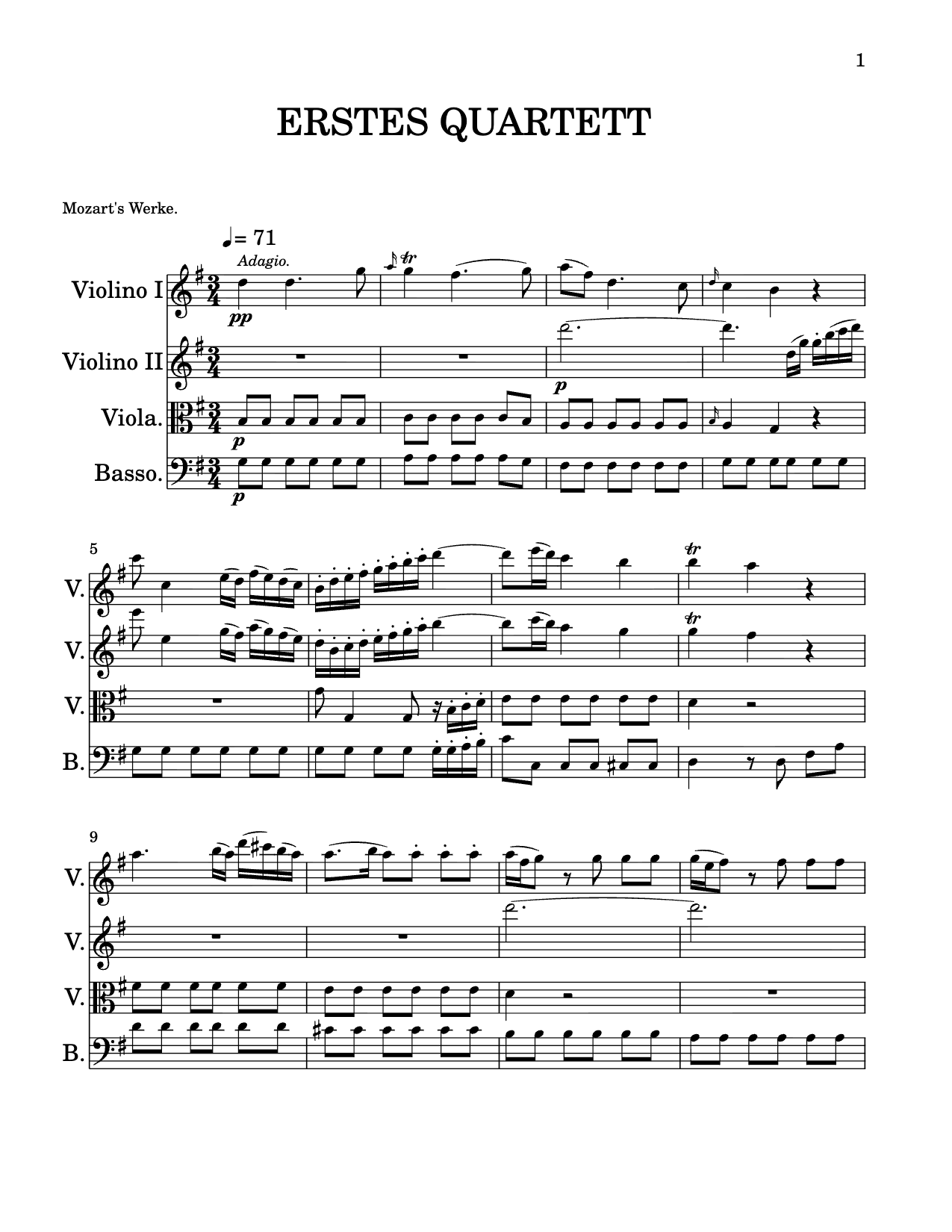 .musicxml
PDF in, MusicXML out.
- Import the PDFDrag in a sheet music PDF, one piece per file.
- The AI reads itStaves, notes, lyrics, and dynamics are recognized in musical context.
- Export MusicXMLReview, then export standard MusicXML for any editor.
Every conversion is powered by Opuscan's OMR optical music recognition (OMR).
The format every editor understands.
PDF to MusicXML, answered.
Can I convert a PDF of sheet music to MusicXML?
Yes. Opuscan reads a PDF of printed or engraved sheet music and exports standard MusicXML you can open in MuseScore, Dorico, Sibelius, Flat, or any notation software.
Does it work on scanned PDFs?
Yes, as long as the notation is clear. Sharp, high-resolution scans of printed music convert most accurately. See best practices. Handwritten music and tablature aren't supported.
Is the result really editable?
Fully. MusicXML is a structured format, so every note, rhythm, lyric, and dynamic comes through as editable notation, not an image. Learn how the recognition works.